


It seems that the UI of the WiiM app’s “Now Playing” screen has been updated without my noticing. As a result, pressing the back button no longer takes you back to the previous track.
In the new UI, tapping the back button once takes you back to the beginning of the track. However, it’s nearly impossible to double-tap to go back to the previous track.
As I pointed out here before, the delay prevents the double-tap from registering..
View attachment 2349.mp4
@WiiM Team ,
I tested this on Amazon Music, YouTube Music, and Spotify, and this issue occurs on all streaming services. Even if I tap the back button within 3 seconds of playback starting, in most cases it simply returns me to the beginning of the track.
(Also, for some reason, Qobuz is the only one that works the same way as before. Tapping the back button once takes me back to the previous track.)
As it stands, this is very difficult to use.
Will you be adding a feature to skip tracks by swiping left or right in the future?
Please consider a way to go back to the previous track.
Please!
In the new UI, tapping the back button once takes you back to the beginning of the track. However, it’s nearly impossible to double-tap to go back to the previous track.
As I pointed out here before, the delay prevents the double-tap from registering..
View attachment 2349.mp4
@WiiM Team ,
I tested this on Amazon Music, YouTube Music, and Spotify, and this issue occurs on all streaming services. Even if I tap the back button within 3 seconds of playback starting, in most cases it simply returns me to the beginning of the track.
(Also, for some reason, Qobuz is the only one that works the same way as before. Tapping the back button once takes me back to the previous track.)
As it stands, this is very difficult to use.
Will you be adding a feature to skip tracks by swiping left or right in the future?
Please consider a way to go back to the previous track.
Please!


 ) and it also works as expected.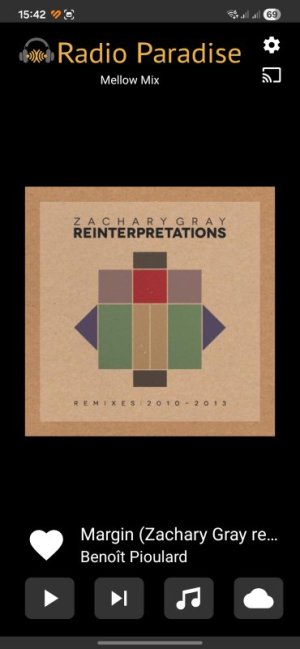
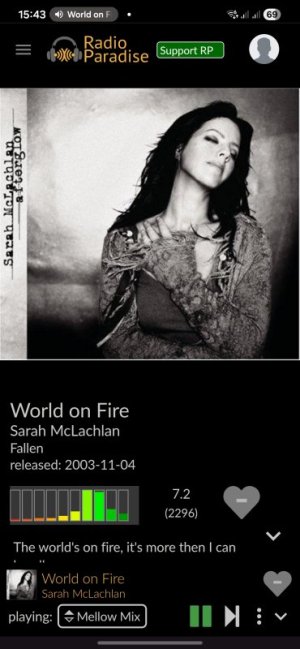


 .
.
