satellite65
New Member
- Joined
- Dec 15, 2025
- Messages
- 1
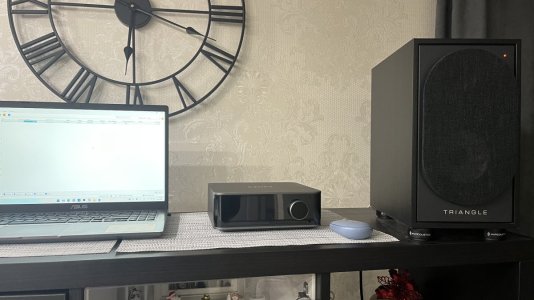
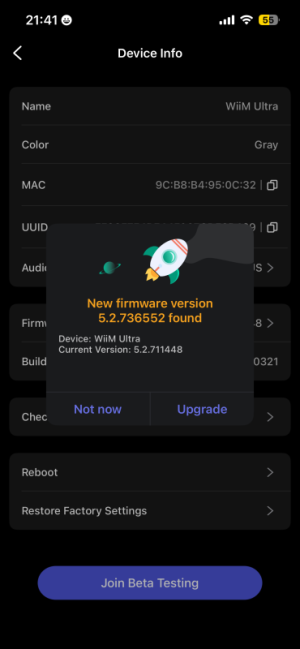
I'm new to streaming and bought a Wiim Ultra on Black Friday.
I initially set it up on wifi but I could only connect from my phone about half the time.
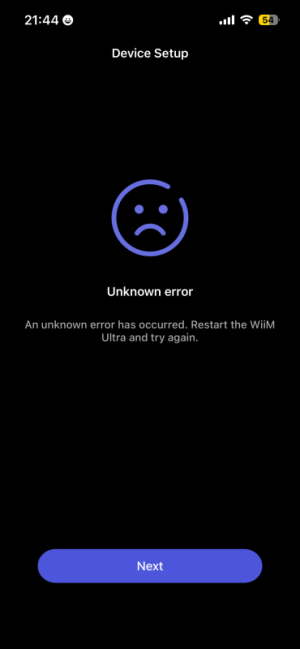
When it didn't connect I'd get a message indicating that wiim was connected to a different network than the phone even though both were connected to our Xfinity router. Thinking that the wiim and phone may be connecting to Xfinity wifi on different frequencies I ran an ethernet cable from the router to the wiim and the input automatically changed itself from wifi to ethernet. Unfortunately I still have the same problem. My Samsung A52 only connects to the wiim about half the time. When it does connect it is stable and stays connected.
In case it matters we're also running a Google mesh trio off of the xfinity router to improve reception throughout the house. One of the mesh pucks is within inches of the wiim ultra.
I initially set it up on wifi but I could only connect from my phone about half the time.
When it didn't connect I'd get a message indicating that wiim was connected to a different network than the phone even though both were connected to our Xfinity router. Thinking that the wiim and phone may be connecting to Xfinity wifi on different frequencies I ran an ethernet cable from the router to the wiim and the input automatically changed itself from wifi to ethernet. Unfortunately I still have the same problem. My Samsung A52 only connects to the wiim about half the time. When it does connect it is stable and stays connected.
In case it matters we're also running a Google mesh trio off of the xfinity router to improve reception throughout the house. One of the mesh pucks is within inches of the wiim ultra.