vinod_david
New Member
- From 2008 I have been storing FLAC and WAV files in my 1 TB HDD inside my Netgear NAS. All files stored in Music folder. Netgear has some standard folders like Music, Picture, Readydrop, etc.
- Netgear ReadyNAS stopped their cloud service some years back. So ReadyCloud software vanished.
- Recently I found I cant manually copy and paste FLAC/WAV files inside Music folder without the ReadyCloud.
- But the folder called Readydrop inside NAS allowed copy and paste files, so I copied many FLAC inside it under each Album names.
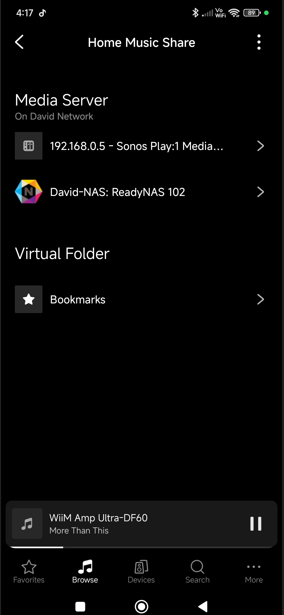
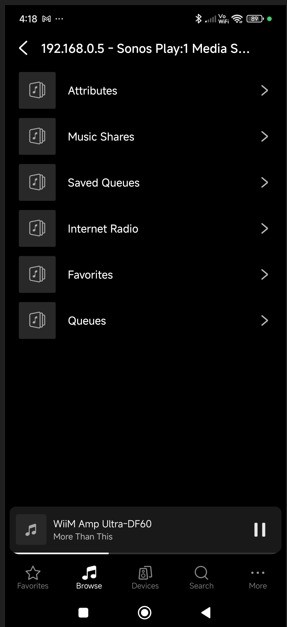
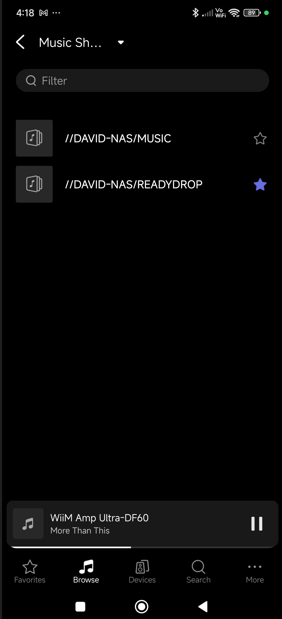
- Now, I see in WIIM when i go to my Home Library... WIIM refused to show the Readydrop folder where I added recent files. Its showing the standard folders Music, Pictures, etc folders only.
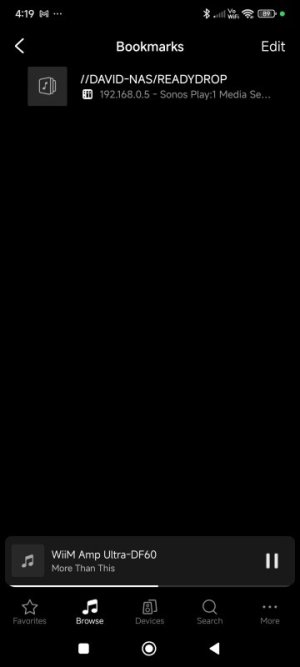
How to play recently added files or go manually to Readydrop folder via WIIM. I dont want other apps.
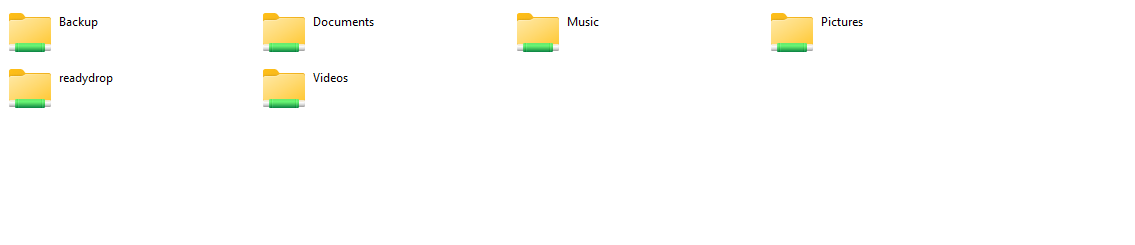
The above folders picture is from my desktop pc screenshot.
- Netgear ReadyNAS stopped their cloud service some years back. So ReadyCloud software vanished.
- Recently I found I cant manually copy and paste FLAC/WAV files inside Music folder without the ReadyCloud.
- But the folder called Readydrop inside NAS allowed copy and paste files, so I copied many FLAC inside it under each Album names.
- Now, I see in WIIM when i go to my Home Library... WIIM refused to show the Readydrop folder where I added recent files. Its showing the standard folders Music, Pictures, etc folders only.
How to play recently added files or go manually to Readydrop folder via WIIM. I dont want other apps.
The above folders picture is from my desktop pc screenshot.