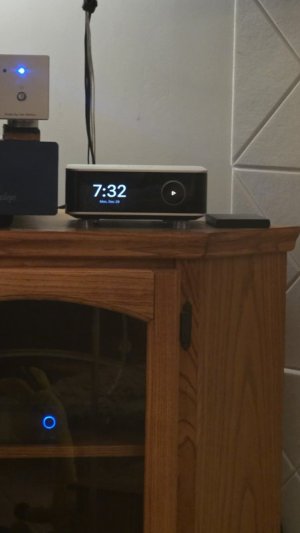
I would like to be able to turn the screen off completely while in use. It would be great at night when I’m listening in the dark, which is what I do quite often.
I would like to be able to turn the screen off completely while in use. It would be great at night when I’m listening in the dark, which is what I do quite often.
The very first toggle switch in the Screen Settings menu is simply labelled "Screen Display". Turn it off and the screen will remain dark during playback.
Edit: Spooky, we almost used the same wording ... that's telepathic transmission at work.
You can. Under settings, screen settings the first toggle switches the screen off completely. You can also turn off the status light as well
Settings,/ status light on the Ultra.
Edit, beaten by @harkpabst
I think there may be a solution coming soon to have a screen setting set up in presets.
The very first toggle switch in the Screen Settings menu is simply labelled "Screen Display". Turn it off and the screen will remain dark during playback.
This site uses cookies to help personalise content, tailor your experience and to keep you logged in if you register.
By continuing to use this site, you are consenting to our use of cookies.