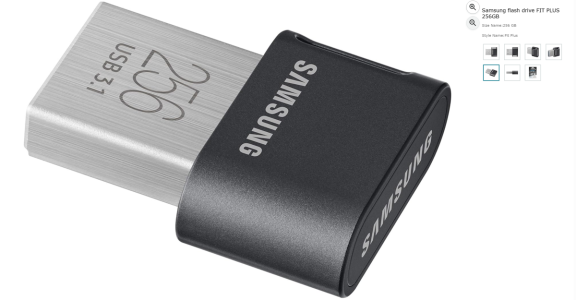
I'm guessing wiim decided to put this 'nonsense' on there to give people options to directly read hi res files. The 'nas' and 'pi' solutions are great and offer more options, but some of us just like to keep things simple. As i said i can just unplug a 256gb usb drive with 'flac' files and plug&play into my car which also plays 'flac' files, 100s of hi res tracks this on a tiny little drive, no additional 'pi' or 'nas' required.
I have my pc set to share a music folder over my network which seems to work fine 'most' of the time, again each to their own choice, but also be open to an alternate solution.

I didn't say having a USB feature is nonsense (it's a useful feature if you have USB stick or USB HDD), I said once problem like not finding the device, errors/shutdown in reading through power savings...then it becomes nonsense. Factor in the basic basic scanner and the poor wiim home app how it displays and UI.. My brother has a USB HDD through the Ultra, he isn't enjoying ownership of the Wiim at all.
Wheras I have a Pi5, LMS, music on a NAS and couldn't be happier, and using the previous hardware around LMS, Squeezeboxes have been fantastic. If I relied on USB on the Squeezebox Touch (that had the same feature also) I'd be pretty disappointed.
I said it's fine for OTG, but for decent music management - not even close. 250GB? I have 8TB...that can't be navigated with the poor wiim scanner.
Also I still can navigate by folder, so if I do add temp music- no problem, also read/write rate of a NAS is faster than a USB stick, transferring 256GB on a USB stick. So I'm not waiting ages to copy to USB stick.
Suggest you try something better on the Wiim, trust me it's worth it. If you have a PC or decent NAS, install LMS, install the app on your phone. You don't have to spend any money, the software and app is free...
Also you still can use the USB feature of the Wiim, but that will become a secondary use.


 .. most importantly 'be excellent to each other, party on dude' and enjoy your music .. my 73rd this year



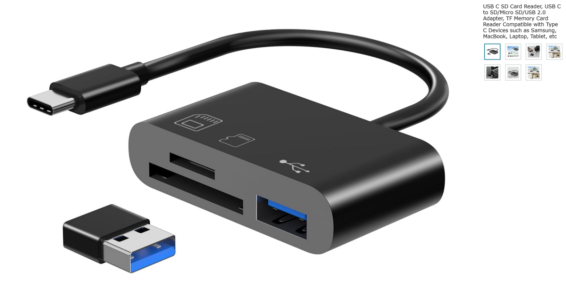
 and I always have my phone with me


