jcmyraudio
New Member
- Joined
- Dec 2, 2025
- Messages
- 7
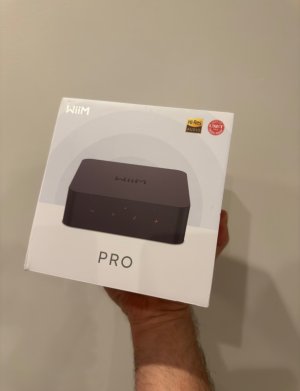
Hello, Im interested in the WiiM Pro as a solution for streaming in my Appartment.
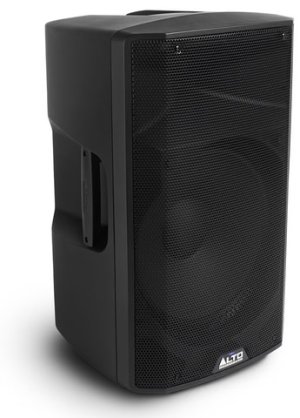
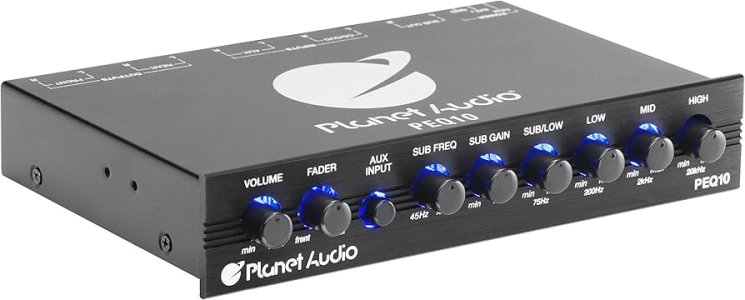
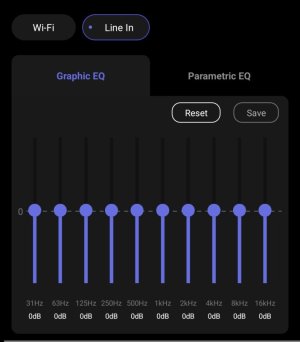
I have home a 15 inch, Alto Pro 415 speaker that Ive always used only as a sub. In my previous set up, it was plug to a 10 band EQ that got its audio directly from my mac 3.5 mm out.
Now, I mainly listen to music all over the appartement with my google nest speakers, with the TV as well ( using google TV )
The last piece of the puzzle is my big Alto 15 inch, that id like to send audio directly via steam. With this WiiM Pro. ( as I would add in the group so they all play together )
My main question is:
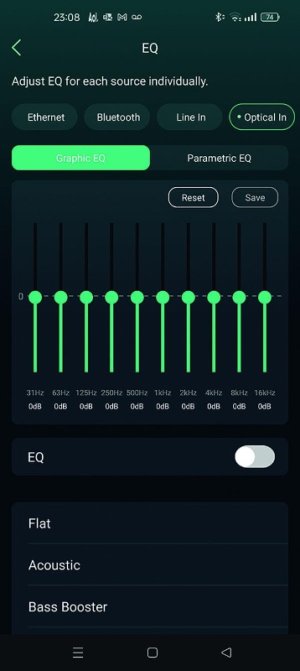
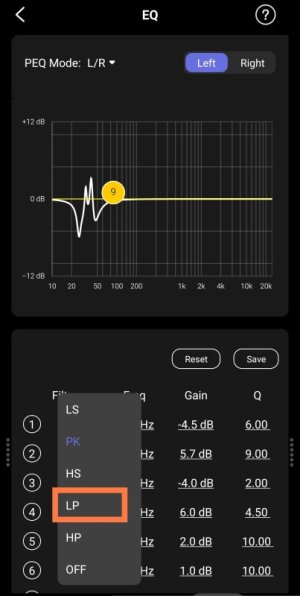
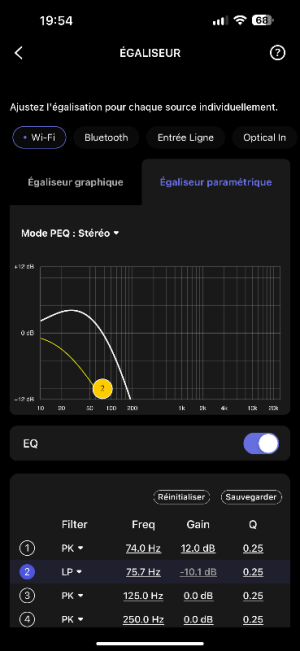
Is the digital Eq ( app controled ) in the WiiM working as well when its a Spotify Google cast stream?
Or is the EQ limited only for the physical inputs ( bluetooth , optical, line in )
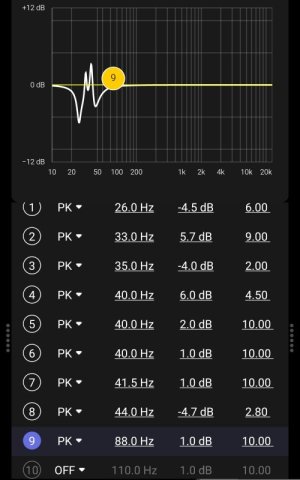
Because if this WiiM Pro lets me EQ the Google Cast streams from Spotify. Il be able to kill all the mids and highs to only send low frequency to my Alto Pro speaker.
Thank you!
I have home a 15 inch, Alto Pro 415 speaker that Ive always used only as a sub. In my previous set up, it was plug to a 10 band EQ that got its audio directly from my mac 3.5 mm out.
Now, I mainly listen to music all over the appartement with my google nest speakers, with the TV as well ( using google TV )
The last piece of the puzzle is my big Alto 15 inch, that id like to send audio directly via steam. With this WiiM Pro. ( as I would add in the group so they all play together )
My main question is:
Is the digital Eq ( app controled ) in the WiiM working as well when its a Spotify Google cast stream?
Or is the EQ limited only for the physical inputs ( bluetooth , optical, line in )
Because if this WiiM Pro lets me EQ the Google Cast streams from Spotify. Il be able to kill all the mids and highs to only send low frequency to my Alto Pro speaker.
Thank you!