Custom room fit target curve

gasolin75

Active member
Joined
Apr 27, 2024
Messages
100
Is it possible to make a custom room fit target curve or download additional filters
Can i have 2 or 3 profiles like having flat,harman and B&K roomcorretion profiles i can switch between


How big is the difference between B&K and Harman
 
Last edited:
I beet no live event with a big pa system has close to a flat bass,sound
There are live events that do not require any PA at all. :) It's a good idea to judge music reproduction in your home by this standard.

Irrespective of this fact, who said that a flat target curve was better? If you stick to a correction range below 500 Hz it shouldn't make much of a difference anyway.

And I won't waste a minute of my precious remaining life time watching any Danny Richie video. He knows a thing about speakers, but he decided that commercial success is more important.
 
I got a bigger sub

Krk S8.4 and it's more power full then my audio pro sub

Question:

What limit should i choose for room correction, had bass down to 25 hz but sounded a little to much, then 30hz (somehow sounds better)

I still have it lowered -7 db since i fell it's to much at 0db when i used lower limit for room correction at 25hz, crossover 60hz, smoothing 1/6 octave (havn't tried to goggle what it does and what is best to use)
 
I got a bigger sub

Krk S8.4 and it's more power full then my audio pro sub

Question:

What limit should i choose for room correction, had bass down to 25 hz but sounded a little to much, then 30hz (somehow sounds better)

I still have it lowered -7 db since i fell it's to much at 0db when i used lower limit for room correction at 25hz, crossover 60hz, smoothing 1/6 octave (havn't tried to goggle what it does and what is best to use)
Why would you buy a bigger sub and then not want to have it corrected down to the lowest frequencies its capable of? :unsure: Why a bigger sub at all then?

If you feel that that the bass is too loud, then reducing the level is the right way to go. RoomFit will also adjust the level, not globally but with a smooth and extended frequency response in mind.
 
In some thread they didn't recommend going all the way down in the bass for room correction

Also it can effect when i can't play louder, when max excursion is reached

According to specs, down to 34.5hz at +/- 3 db and -10db at 29hz

according to specs what should i aim for ?
 
Last edited:
In some thread they didn't recommend going all the way down in the bass for room correction
Who are they?

Also it can effect when i can't play louder, when max excursion is reached
OK, in this case, the sub still isn't big enough. ;) And - seriously - I now see, it's still a tiny one.

Bass response and bass extension depends a lot on the room and on the placement of the sub. It's close to impossible to predict what might be the best setting in your environment. They claim "bass extension to 29Hz with a max SPL of 112.8 dBA" for the S8.4 which doesn't say much, because the dBA scale is really not useful here.

It's a small sub, so correcting down to either 25 Hz or 30 Hz sounds reasonable, if it can handle the levels you desire. You should really try out what works best in your setup.
 
It's absolutely not tiny compared to what i used before, alot heavier 7-8 kilo vs 12 and noticeable bigger

Theres a reason why i lowered it -7db

Room corrected it sounds like it's a 10" sub atleast, don't see any reason why i should have gotten a 10" adam audio T10S, JBL LSR 310 S or any other 10" sub that costs alot more then what i bought and same size cabinet
 
Last edited:
I didn't say,write that

The new sub is so much more power full and bigger (still 8") that it has more bass and have to lower it -7db

older smaller sub i leaved it at 0db but still more bass from my new sub
 
Let me first say again that I don't think this approach should be used at all until the other (better) options are exhausted.

E.g. with well-designed loudspeakers EQ correction above about 500Hz is not needed at all, and even with many not-as-well-designed-ones it is much safer to EQ in this range based on anechoic data, rather than based on in-room response.

That being said, if I really *had to* use RoomFit for this kind of hybrid full range correction I'd try with the following settings:
  1. Room correction profile (created and loaded in RoomFit):
    • Individual Channel RoomFit, Smoothing: 1/12, Target: B&K, frequency: 20Hz-300Hz, No-Boost Mode: enabled, Min Gain: -12dB, Max Gain: +6dB, Max Q: 10
    • The above settings enable precise correction of room- and placement- induced bass resonances.
  2. Loudspeaker correction profile (created by RoomFit, but loaded in EQ):
    • Stereo RoomFit, Smoothing: 1/3, Target: B&K, frequency: 300Hz-10000Hz, No-Boost Mode: disabled, Min Gain: -6dB, Max Gain: +3dB, Max Q: 3 (equivalent to approx. 1/2 octave)
    • The above settings are designed to perform mild tonality adjustments without introducing new resonances.
As mentioned before, the two profiles would need to be run at the same time: filters from 1. loaded as a RoomFit profile, and filter values from 2. would need to be manually copied into the EQ screen.

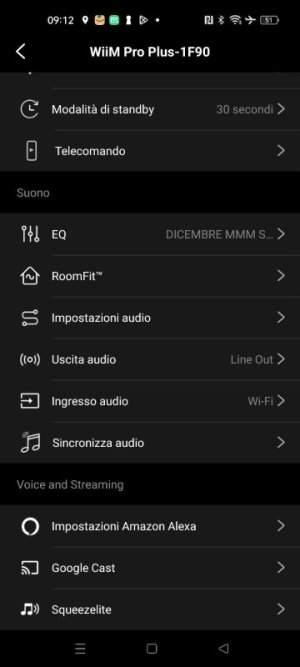
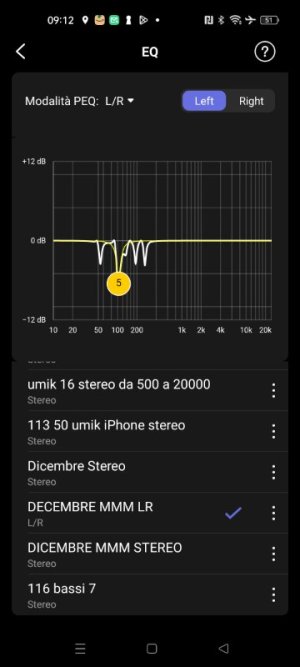
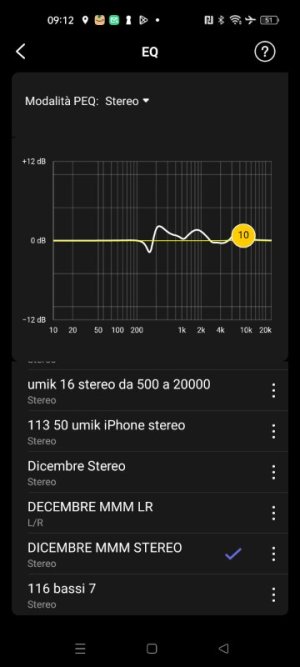
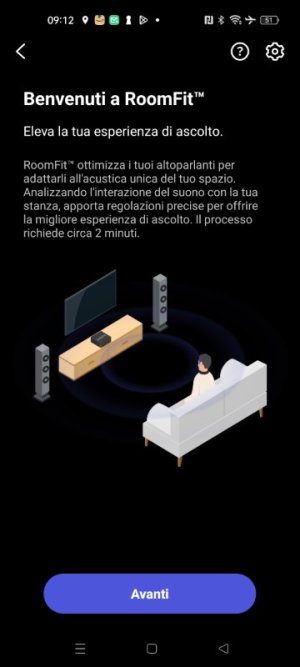
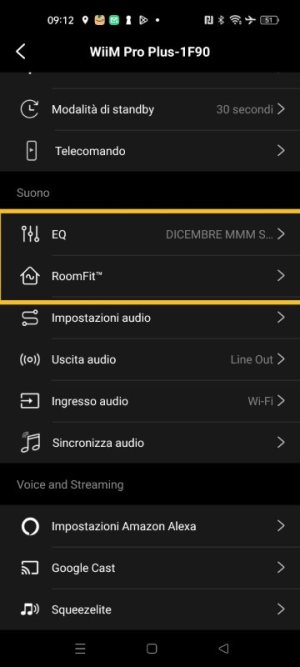
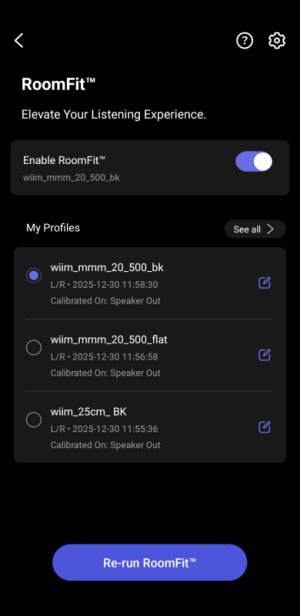
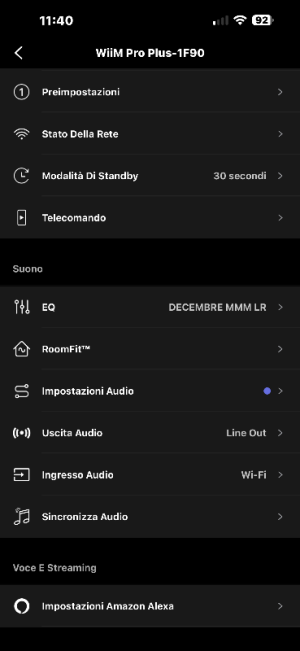
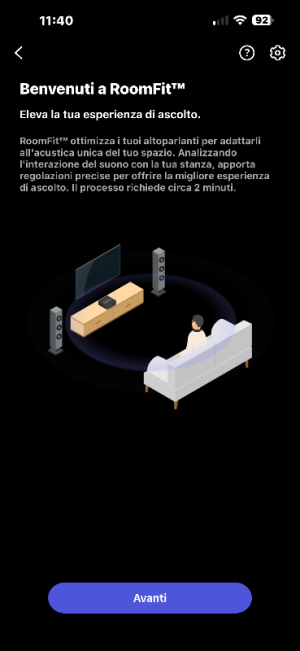
Hi, using the new RoomFit MMM feature, I tested the individual RoomFit channels as described in point 1, and then performed a new measurement as described in point 2.
There's a problem: I can no longer manually copy the data from point 2 into the EQ.
On the RoomFit screen, it only allows me to select EQ.
 

Attachments

  • Screenshot_2025-12-31-09-12-05-89_5592fe85c89b9c7526dd9939eef9599a.jpg
    Screenshot_2025-12-31-09-12-05-89_5592fe85c89b9c7526dd9939eef9599a.jpg
    29.4 KB · Views: 10
  • Screenshot_2025-12-31-09-12-29-96_5592fe85c89b9c7526dd9939eef9599a.jpg
    Screenshot_2025-12-31-09-12-29-96_5592fe85c89b9c7526dd9939eef9599a.jpg
    35 KB · Views: 8
  • Screenshot_2025-12-31-09-12-43-73_5592fe85c89b9c7526dd9939eef9599a.jpg
    Screenshot_2025-12-31-09-12-43-73_5592fe85c89b9c7526dd9939eef9599a.jpg
    33.9 KB · Views: 9
  • Screenshot_2025-12-31-09-12-52-95_5592fe85c89b9c7526dd9939eef9599a.jpg
    Screenshot_2025-12-31-09-12-52-95_5592fe85c89b9c7526dd9939eef9599a.jpg
    33.6 KB · Views: 10
Hi, using the new RoomFit MMM feature, I tested the individual RoomFit channels as described in point 1, and then performed a new measurement as described in point 2.
There's a problem: I can no longer manually copy the data from point 2 into the EQ.
On the RoomFit screen, it only allows me to select EQ.
Not sore what you mean. You can open a Roomfit filter set and make a note of all the filters then manually enter them in the PEQ section. So you have one filter set in Roomfit and the other in PEQ.
 
Not sore what you mean. You can open a Roomfit filter set and make a note of all the filters then manually enter them in the PEQ section. So you have one filter set in Roomfit and the other in PEQ.
Before, I could choose different Roomfit measurements, now I can't, I only get EQ.
 

Attachments

  • IMG_20251231_095838.jpg
    IMG_20251231_095838.jpg
    30.9 KB · Views: 9
Before, I could choose different Roomfit measurements, now I can't, I only get EQ.
That looks like the known bug in the WiiM Home App, suddenly showing the Dynamic Bass option currently only available for the WiiM Sound.

Try to restart the WiiM Home App.

PS: I cannot see how this issue is related to the thead subject?
 
Last edited:
Moving mic measurement is not new, it's stil in beta

Dynamic bass is not there even when i had it very shortly

In audio output there's a new DAC Digital Filter Typer i havnt seen before

3LgD4lr[1].png
 
Last edited:
Back
Top