FF/REW issues playing from NAS

@TonyE
You are not listening. Forget about browsing file systems. The Ultra is an audio renderer not a PC. It needs a server, not a file system, even if this works to limited extent, but not in your case.

And stop using the WiiM Home app on Windows. This won‘t get you anywhere.
You mentioned Plex on one of your machines. Turn it on, direct it to your music share(s) and let it scan them.
Now you access your complete music via the WiiM Home App on your phone or tablet.

I prefer the way WiiM Home works in the PC. The implementation in Android leaves me cold, it gets a little better in the Chromebook.

I use Plex for the movies and TV shows.

To "scan" my "complete" music library.... well, I got this Linn LP12, a record cleaning vacuum machine, 4000 LPs....
 
You know what's really funny.... all of those files are recordings....

OK, I do have like 300+ ripped CDs but those are in Red Book so the files are smaller.

All of the stored 24/96 files are recordings of my LPs.... but here's the issue... over the years I have been upgrading the turntable ( A Linn LP12 ).

Updated the tonearm, the bearing, the subframe, the feet, motor, suspension, power supply, cartridges, phono preamps, AD/DAC. So now I got a set up that really sounds superb, so why would I want to play those recordings from when my set up was merely extremely good sounding?

Besides, I need to set up the new Dell micro computer for the RME ADI-2 FS PRO

Hmm... anyone tried the WiiM Ultra with and RME adi-2 fs pro... strictly as a DAC, just to test it?

Because

Use less network bandwidth
Use less storage, a lot probably 40-50%
Has replay gain values
Has embedded album art
Has lyrics
Has artist, album, track, title metadata
Has CRC error correction on the file
Don't have to rely on cue files to retrieve metadata
No loss in sound quality
Can be seperate files and keep album /track structure.
 
BTW, I just tested the behavior of WiiM Home on my Android phone.

It's the same delay as WiiM Home in the PC.... so the issue is not in the control software in Home but something in how the Ultra handles the interface to the NAS with very large files.
 
I prefer the way WiiM Home works in the PC. The implementation in Android leaves me cold, it gets a little better in the Chromebook.

I use Plex for the movies and TV shows.

To "scan" my "complete" music library.... well, I got this Linn LP12, a record cleaning vacuum machine, 4000 LPs....
Checkout lms on a raspberry pi, with Craig Drummond's android apk

I presume you browse by folder and file?

How 1990's haha 🤣
 

Attachments

  • Screenshot_20260106-220133.png
    Screenshot_20260106-220133.png
    70.2 KB · Views: 6
  • Screenshot_20260106-221104.png
    Screenshot_20260106-221104.png
    105.1 KB · Views: 4
  • Screenshot_20260106-221129.png
    Screenshot_20260106-221129.png
    90.8 KB · Views: 3
  • Screenshot_20260106-221337.png
    Screenshot_20260106-221337.png
    86.4 KB · Views: 4
  • Screenshot_20260106-221354.png
    Screenshot_20260106-221354.png
    76.2 KB · Views: 6
Can we stick to the player in the Ultra handling very large files?

I've been doing firmware since 1979... was doing DARPA net before the Internet, spend several years in the 90s doing media over network, storage, internetworking, etc.

I KNOW exactly what are the benefits of different types of media storage formats, I don't need a lesson, please. I mean, I could write books on it because I was there when the formats were created!

OH, another point.... WMA files don't seem to exhibit the same delay issues.

One more experiment I need to do.... this particular Ultra is hooked up via WiFi 5G, this AP is in the same office so the connection is excellent. The others are hard wired via GigE. I wonder if there is a throughput issue? Or maybe just a hardware issue in the Ultra that could use a more powerful processor? ( It would cost more... ).
 
Can we stick to the player in the Ultra handling very large files?

I've been doing firmware since 1979... was doing DARPA net before the Internet, spend several years in the 90s doing media over network, storage, internetworking, etc.

I KNOW exactly what are the benefits of different types of media storage formats, I don't need a lesson, please. I mean, I could write books on it because I was there when the formats were created!

OH, another point.... WMA files don't seem to exhibit the same delay issues.

One more experiment I need to do.... this particular Ultra is hooked up via WiFi 5G, this AP is in the same office so the connection is excellent. The others are hard wired via GigE. I wonder if there is a throughput issue? Or maybe just a hardware issue in the Ultra that could use a more powerful processor? ( It would cost more... ).

The CPU in the ultra is what quad core?

It's just an end point so even my old squeezebox plays 24bot 192khz flac fine it's all done on the server

A old 300mhz Nas single core played 16 bit 44khz flac music fine
 
Checkout lms on a raspberry pi, with Craig Drummond's android apk

I presume you browse by folder and file?

How 1990's haha 🤣

Well, yes, it looks really nice.

But I got this collection of fine cigars, you see, and everynight I smoke one, with a nice Bacardi on the rocks. When I'm doing that, outside, I find that I don't want to listen to anything but my own thoughts... the "cigar hour" is perfect for solving the problems that plague the World.... music would interfere with that... and the arithmetic calculations that I do in my head to prevent dementia ( today I turned 67...)...

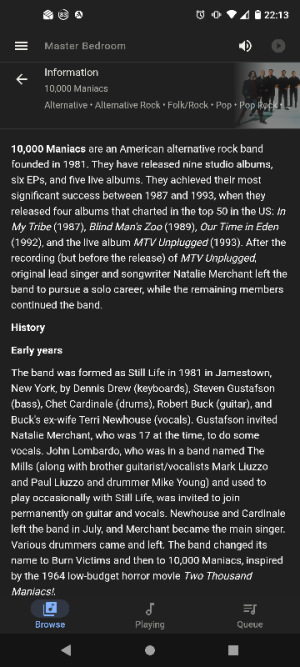
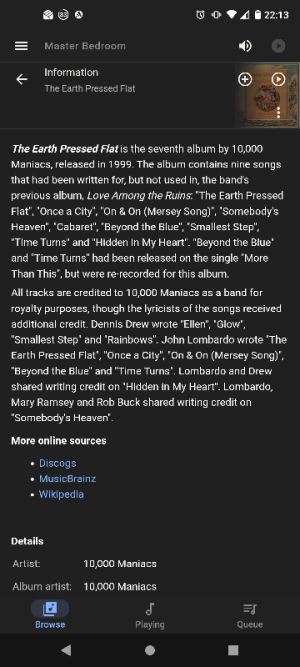
Honestly, I've been there, I've done that... I've reached a point where there is fine balance ( or may just a balance ) where profit and expense match each other. I might live for another 67 years, or not. So, I don't need to read the description of 1000 Maniacs when I'd rather listen to it.

(Note: I found Tidal HiFI awesome for such things... I might have 4000LPs, but the have like 200,000.... and they are easy to use and the WiiM Ultra and a good DAC make for an awesome combination. So that's my main use case for the Ultras.

So, yeah, I sort of keep everything in the file system, arranged, it works for me. I don't even call them "folders"... nodes is more like it. ;-)

I do have the Raspberries... have four right now. Three are in use, one is the latest, sitting right there, I want to build yet another NAS with it. Been doing this since 1988... believe it or not... I was working on prototype music servers then... with the very early network (token ring) and IP.

But, I met this DIY guy who built an awesome DAC hat for it.

 
Anyhow.... I guess the issue is in the connection between the Ultra and the NAS for big files... it introduces a significant delay when you command it to seek different parts of the file.

Could be small buffers... maybe offer an option to increase the RAM in the Ultra?
 
Anyhow.... I guess the issue is in the connection between the Ultra and the NAS for big files... it introduces a significant delay when you command it to seek different parts of the file.

Could be small buffers... maybe offer an option to increase the RAM in the Ultra?

Nope. Perhaps wave is taking up too much network bandwidth 😂

I'll try fast forwarding some flac files tomorrow in lms/lms app.
 
The CPU in the ultra is what quad core?

It's just an end point so even my old squeezebox plays 24bot 192khz flac fine it's all done on the server

A old 300mhz Nas single core played 16 bit 44khz flac music fine

As I noted earlier, there are different designs being used.

I believe that the Ultra is using local software to render the music. Meaning the playback is not done on the file server.... I think this is the case because that's how Tidal Connect works.... and there's already quite a bit of audio processing going on inside the Ultra, so it makes sense.

I have no issues playing the same music in my i7, or even in my Chromebook/Android via USB/OTG when I mount the NAS file system on them.

BTW, I spent some time working at a large manufacturer of chips for cell phones... all ARM architectures.... nowadays 60 cores in a cell phone is entry level. I learned my cores and DMA very well.... AXI for the masses!
 
As I noted earlier, there are different designs being used.

I believe that the Ultra is using local software to render the music. Meaning the playback is not done on the file server.... I think this is the case because that's how Tidal Connect works.... and there's already quite a bit of audio processing going on inside the Ultra, so it makes sense.

I have no issues playing the same music in my i7, or even in my Chromebook/Android via USB/OTG when I mount the NAS file system on them.

Yes if you play files via samba or usb then the ultra is doing the decoding

But if you use a server then that handles the CPU horsepower needed for flac decompressing and sending it to the endpoint

But if a 300mhz Nas from years ago can playback compressed flac faster than real-time then quad core modern streamer has no problem. The saueezbone classic can playback 16bit 44khz audio no problem.

I'd use dedicated server, try a album convertered to flac and see how it performs. Look at what server software options you have. Ideally split tracks into individual files.

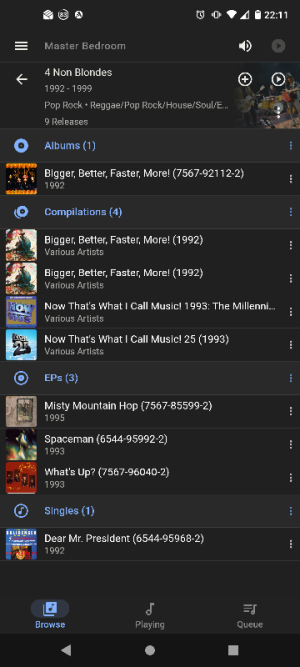
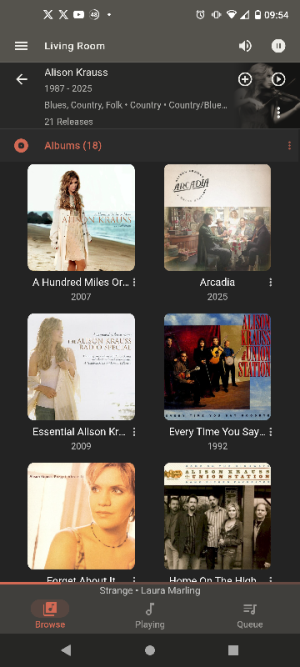
You still have the option to browse by folder...but that sucks.. as you can see from mine it'll show everything under that artist and pull out other albums that are in other directories IE \various\now albums.
 
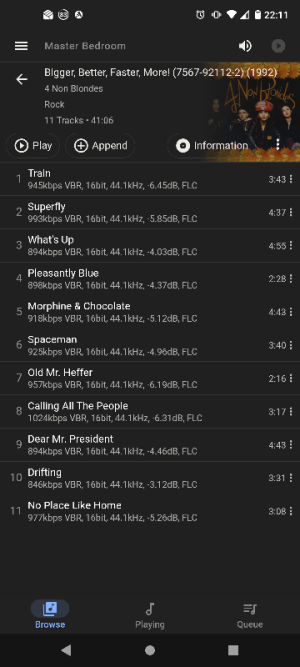
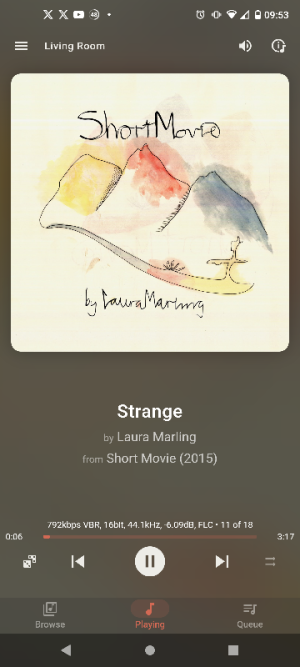
Just tried it, fast forward works. Although it's big jump at 30 seconds every quarter second (holding down the I< >I buttons

It's better to use finger on the slider of the track you have fine control of where you want to scan to.

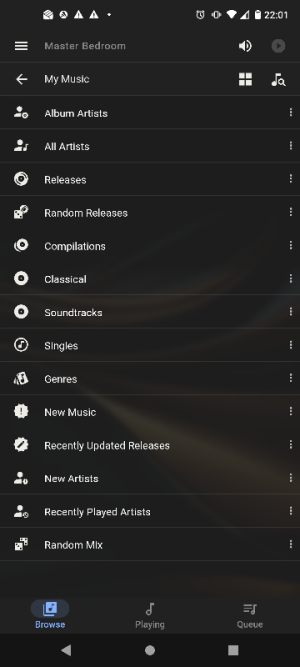
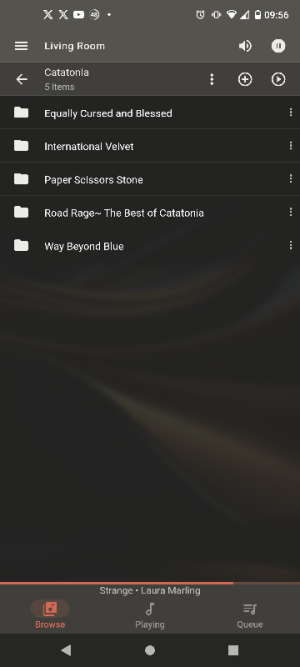
You don't get this with wave/ folder browse haha it looks like this hahaha 🤣
 

Attachments

  • Screenshot_20260107-095335.png
    Screenshot_20260107-095335.png
    227.1 KB · Views: 5
  • Screenshot_20260107-095409.png
    Screenshot_20260107-095409.png
    272 KB · Views: 5
  • Screenshot_20260107-095602.png
    Screenshot_20260107-095602.png
    61.4 KB · Views: 5
Last edited:
Thanks... will do.... in the meantime, see my long post.... note I'm mounting over NFS.... looks like big files just take a long time for the SEEK command.
UPnP servers (which is what the Windows WiiM Home App is) serve files over http, meaning that - if the server supports it - seeks can be performed before the file has been fully downloaded.

I concatenated the tracks of an album and converted it from FLAC to WAV (with embedded ID3 tags) and indexed the file with MinimServer. I played the track using the WiiM Home app and immediately seeked toward the end (before it had time to cache the entire 700mb file). Playback continued almost immediately.

With MinimServer set to debug I was able to see the seek action. The initial request is for the entire file (Content-Range: bytes 44-709189693/709189694).
Code:
10:39:13.098 Thread-148: GET /minimserver/*/Minim/SeekInWav/01.wav HTTP/1.1
10:39:13.098 Thread-148: User-Agent: Lavf/58.76.100, Accept: */*, Range: bytes=44-, Connection: close, Host: 192.168.*.*:9790, Icy-MetaData: 1
10:39:13.099 Thread-147: resource length is 709189694
10:39:13.099 Thread-147: HTTP/1.1 206 Partial Content, Content-Range: bytes 44-709189693/709189694, Accept-Ranges: bytes, Date: Wed, 07 Jan 2026 10:39:13 GMT, Content-Length: 709189650, Content-Type: audio/x-wav, Connection: close, Last-Modified: Wed, 07 Jan 2026 10:34:41 GMT
10:39:13.099 Thread-147: writing data: total=709189650 from file SeekInWav/01.wav
10:39:13.099 Thread-147: writing 16384 bytes: total=709189650
...

Having seeked toward the end of the file in the WHA, WiiM requests just the remainder (Content-Range: bytes 595879244-709189693/709189694):
Code:
10:39:15.166 Thread-151: GET /minimserver/*/Minim/SeekInWav/01.wav HTTP/1.1
10:39:15.166 Thread-151: User-Agent: Lavf/58.76.100, Accept: */*, Range: bytes=595879244-, Connection: close, Host: 192.168.*.*:9790, Icy-MetaData: 1
10:39:15.166 Thread-150: resource length is 709189694
10:39:15.167 Thread-150: HTTP/1.1 206 Partial Content, Content-Range: bytes 595879244-709189693/709189694, Accept-Ranges: bytes, Date: Wed, 07 Jan 2026 10:39:15 GMT, Content-Length: 113310450, Content-Type: audio/x-wav, Connection: close, Last-Modified: Wed, 07 Jan 2026 10:34:41 GMT
10:39:15.167 Thread-150: writing data: total=113310450 from file SeekInWav/01.wav
10:39:15.167 Thread-150: writing 16384 bytes: total=113310450
...

If this isn't working for you then it's likely to be server or network related, not streamer.
 
If this isn't working for you then it's likely to be server or network related, not streamer.
There is no support within the WiiM Home app for NFS (is there?) so there must be something else serving the files to WiiM via SMB. If I am reading the earlier posts correctly then whatever it is has to get the file via NFS before providing it to the WiiM via SMB. This cannot be very efficient.

TonyE seems oblivious to the many suggestions to use a proper music server which will sort the issue once and for all.
 
Ok just tried a 625MB flac file, that ffwd and scanned ok
then converted it to wave, again no problem

Also file size difference 625MB flac versus 901MB wave.
784MB for another flac, 1.2GB when converted to wave

so yeah 400MB saving multiply that by thousands of albums..

Oh for some reason 24 bit 96khz wave caused digital noise, however the flac version of it was fine! huh??
 
There is no support within the WiiM Home app for NFS (is there?) so there must be something else serving the files to WiiM via SMB. If I am reading the earlier posts correctly then whatever it is has to get the file via NFS before providing it to the WiiM via SMB. This cannot be very efficient.
As far as I can tell he's mounting the NFS share on Windows and using the Windows WHA to share that to the Ultra, so: NAS > Windows > Ultra. Not very efficient, but if it's all wired it should be ok - assuming the Windows WHA works!

TonyE seems oblivious to the many suggestions to use a proper music server which will sort the issue once and for all.
I don't think he understands how the audio (files) is delivered. Hopefully my last post will help there, and once he realises how important the server is (the "pipe" between storage and player) maybe he'll reconsider.
 
As far as I can tell he's mounting the NFS share on Windows and using the Windows WHA to share that to the Ultra, so: NAS > Windows > Ultra. Not very efficient, but if it's all wired it should be ok - assuming the Windows WHA works!


I don't think he understands how the audio (files) is delivered. Hopefully my last post will help there, and once he realises how important the server is (the "pipe" between storage and player) maybe he'll reconsider.

yeah he's browsing by folder over the network. It's going to be much slower.

The server caches the file sends it to the client, and in wave.

So 1990's :ROFLMAO:
 
As far as I can tell he's mounting the NFS share on Windows and using the Windows WHA to share that to the Ultra, so: NAS > Windows > Ultra. Not very efficient, but if it's all wired it should be ok - assuming the Windows WHA works!
I use NFS quite a bit - Raspberry Pi as Lyrion server with NAS storage mounted via NFS. That is quick even though I have 65k files to deal with. My players/renderers include multiple WiiMs. I have never experienced a seek problem.

However the NAS also serves the same files via SMB to my PC's. If I open the top level folder in Windows Explorer it can take close to a minute to show the entire file structure. Large files, and multiple folders accessed via Windows slows things down considerably. My money is on this being the bottleneck.

I think I read that TonyE already uses a Plex server. If he were to point it at his music files then the Plex integration in WHA, altrhough flawed, is sufficiently OK for this purpose. However has the Plex integration made its way to the Windows version of WHA?
 
I use NFS quite a bit - Raspberry Pi as Lyrion server with NAS storage mounted via NFS. That is quick even though I have 65k files to deal with. My players/renderers include multiple WiiMs. I have never experienced a seek problem.

However the NAS also serves the same files via SMB to my PC's. If I open the top level folder in Windows Explorer it can take close to a minute to show the entire file structure. Large files, and multiple folders accessed via Windows slows things down considerably. My money is on this being the bottleneck.

I think I read that TonyE already uses a Plex server. If he were to point it at his music files then the Plex integration in WHA, altrhough flawed, is sufficiently OK for this purpose. However has the Plex integration made its way to the Windows version of WHA?

yeah he needs to use server simple as.

Also if he's got lots of files in a directory that'll slow it down. samba is slower than nfs, and doesn't support long filenames/special characters afaik.

He needs to modernise his setup, laughable 140TB of music and complete mess, I guess if it's wave, no cue file he's just outta luck the work involved tagging that up will be an arduous task
 
I use NFS quite a bit - Raspberry Pi as Lyrion server with NAS storage mounted via NFS. That is quick even though I have 65k files to deal with. My players/renderers include multiple WiiMs. I have never experienced a seek problem.

However the NAS also serves the same files via SMB to my PC's. If I open the top level folder in Windows Explorer it can take close to a minute to show the entire file structure. Large files, and multiple folders accessed via Windows slows things down considerably. My money is on this being the bottleneck.

I think I read that TonyE already uses a Plex server. If he were to point it at his music files then the Plex integration in WHA, altrhough flawed, is sufficiently OK for this purpose. However has the Plex integration made its way to the Windows version of WHA?
I‘m afraid the OP is completely restistant to advice and either not willing or capable to reconsider his technical approach.
Whatever we post here, it‘ll be like talking to a wall.
 
Back
Top