Bambooken
New Member
- Joined
- Aug 25, 2024
- Messages
- 13
Hi all,
I'm not sure this is possible but…
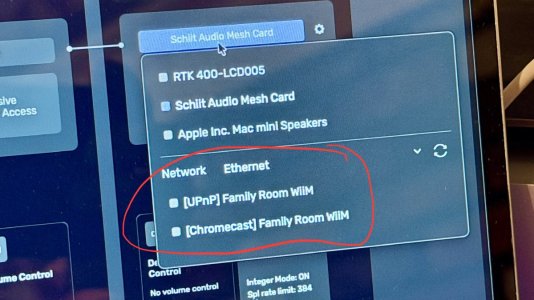
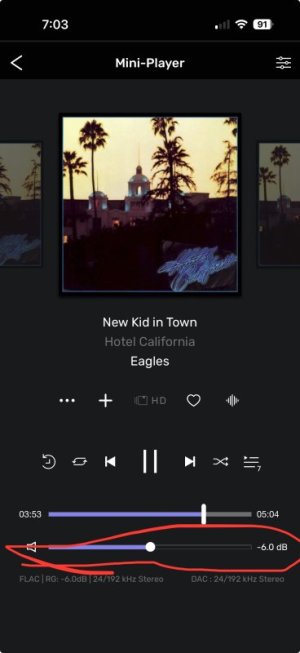
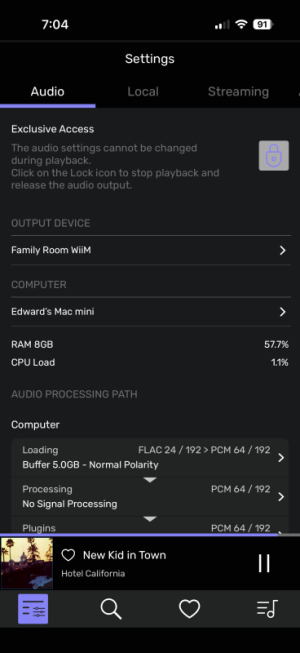
I have a Mac mini in my home 2 channel audio stack running Audirvana Origin using a local library of high resolution music files. I am able to set the Audirvana Origin output to UPnP and it finds my Ultra as an available "output device".
I have Source Inputs set to WiFi
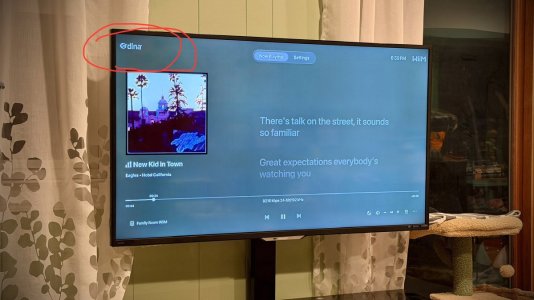
My problem is that my Wiim does show the Mini-Audirvana as a source. I may not be looking in the right place. Under Devices… not there, Under the "Browse" menu, not there either (under Music Services).
Is there a setting I may be missing? Am I looking in the wrong place?
TIA
Boo
I'm not sure this is possible but…
I have a Mac mini in my home 2 channel audio stack running Audirvana Origin using a local library of high resolution music files. I am able to set the Audirvana Origin output to UPnP and it finds my Ultra as an available "output device".
I have Source Inputs set to WiFi
My problem is that my Wiim does show the Mini-Audirvana as a source. I may not be looking in the right place. Under Devices… not there, Under the "Browse" menu, not there either (under Music Services).
Is there a setting I may be missing? Am I looking in the wrong place?
TIA
Boo