Whooo got it running! It's not without its limitations though, but very promising!
Firstly I installed Home Assistant in the Virtual Machine Manager, following this tutorial:
The tutorial doesn't touch on the fact that it might be handy to change the IP address to a static one after installation. You can do so in the settings of HA.
Next: install the Music Assistant add-on
In Music Assistant, you need to install additional plugins (referred to as "providers" in the settings) to make it discover the WiiM devices and other streamers/speakers on your network + to integrate with Plex(amp)
- UPnP/DLNA Player provider (to make the WiiM Device accessible to Music Assistant)
- Plex Media Server Library (required to be able to install the Plex Connect Plugin)
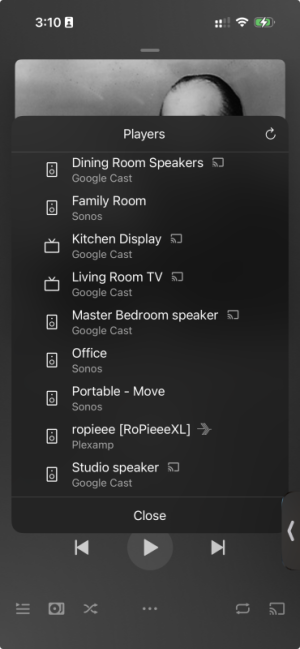
- Plex Connect Plugin -> configure the UPnP device to be detected by Plexamp!

It works with the limitation mentioned by
@Stessull that there's no artwork shown. Volume control is synced though - but a bit jittery, laggy.
Alternatively, I tried the Squeezelite (slimproto players) provider and enabled Squeezelite in my WiiM Ultra's settings. The WiiM was picked up as a LMS target very quickly by Music Assistant and I set it as the target device for the Plex Connect Plugin.
Now I got playback with artwork! However, the Plexamp volume slider no longer controls the hardware volume of the WiiM. Every player in Music Assistant has some specific settings so maybe some setting can be changed to make it perfect.
Also not one of the solutions will correctly show playback progress on the display or in the WiiM Home app. The audio seems to be handled as a continuous stream.
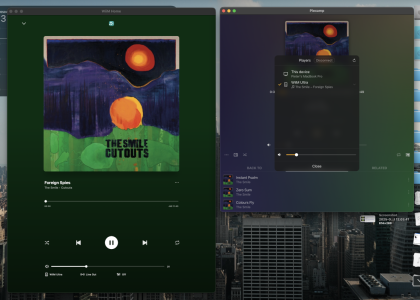
Here it is working with Squeezelite configured: